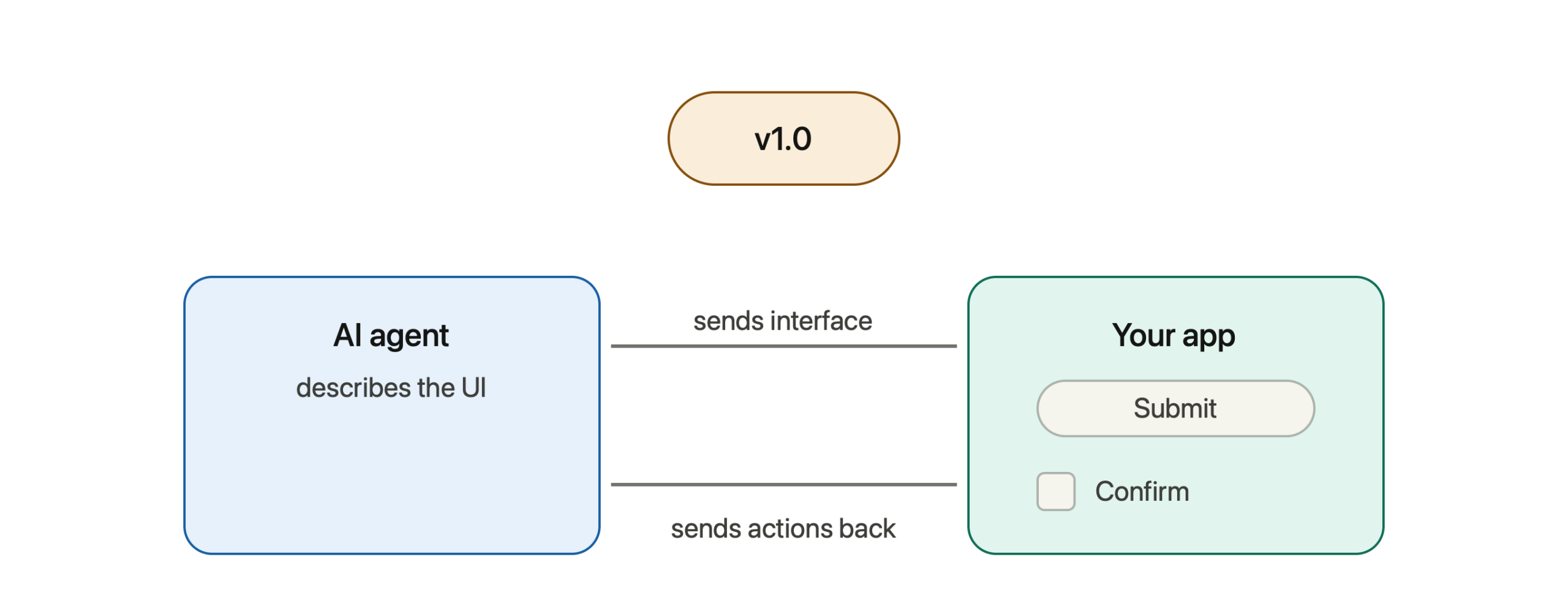
Google’s A2UI protocol — the open standard that lets AI agents send back real, interactive interfaces instead of plain text — just took a major step forward. As of early June 2026, it moved to version 1.0 (Candidate), which is essentially the “near-final” version of the rulebook, one step before it becomes the official stable standard.
If you’re not deep into the technical side, here’s what actually changed and why it matters.
Quick refresher: what is A2UI again?
In short: instead of an AI assistant only replying with text (“What size pizza would you like — small, medium, or large?”), A2UI lets it send back an actual interactive form — buttons, dropdowns, checkboxes — that your app builds using its own design, in its own colors and style. You tap instead of type, and your choices go straight back to the AI.
With that refresher out of the way, here’s what’s new in this update.
1. The AI and the app can now have a real back-and-forth
Previously, A2UI worked mostly one way: the AI agent would send updates to your app, and your app would just display them. Now, the two sides can have a quick conversation of their own, separate from the main chat.
For example:
- The AI can ask your app a question — like “what’s the screen size?” — and get an instant answer back, so it can design the interface to fit properly.
- Your app can ask the AI a quick question — like “is this email address valid?” — and get an immediate response, without waiting for a full new message.
In practice, this is what makes things like live form validation possible. If you type an email address into a field and it’s missing the “@” symbol, the form can flag that instantly, because the app and the AI can quickly check in with each other.
2. A whole interface can now arrive in one go
Before this update, building an interface took several separate steps: first the AI would say “create a new screen,” then send the layout, then send the actual content and data — three or more separate messages.
Now, all of that can be bundled into a single message. The AI can say “here’s a new screen, and here’s everything that goes on it — the layout, the text, the data — all at once.” This makes things load faster and makes the whole system simpler to build and maintain.
3. The AI can no longer dictate your app’s look and feel
Earlier versions of A2UI allowed an AI agent to send along some styling information — colors, themes, that kind of thing. The new update removes this entirely.
Now, the AI only ever describes the structure of an interface (“this is a button,” “this is a checkbox list,” “this is a title”). Your app’s own design system always decides what that actually looks like — your fonts, your colors, your spacing.
This might sound like a small thing, but it’s actually important: it means no matter which AI agent generated an interface, it will always look like it belongs in your app — never like a mismatched, bolted-on widget.
4. Cleaner “grammar rules” under the hood
This one’s more for developers, but worth mentioning: the update tightens up the naming rules for all the building blocks (buttons, fields, functions, etc.) so that tools built in different programming languages — Python, JavaScript, and others — all interpret the same instructions the same way. Less chance of things breaking when different teams’ tools try to talk to each other.
So… is this ready to use?
Technically, this version is labeled a “Candidate” — meaning it’s very close to final, but the previous version (v0.9.1) is still the recommended one for anything in production right now. Think of it like a release candidate for a piece of software: almost there, being tested, but not quite the official stable release yet.
Why this update matters
Step back from the technical details, and the bigger story is this: A2UI is moving quickly from “interesting experiment” to “real infrastructure that companies are actually using.” Google’s own enterprise AI products have already started using A2UI to render custom interfaces for their agents — partly because it’s seen as a safer approach, since the AI is only ever sending structured descriptions, never actual code that runs on your device.
With this update specifically, the protocol gets noticeably more capable: faster interface loading, real-time interactivity (like live validation), and a guarantee that AI-generated interfaces will always respect your app’s own look and feel. Each of these brings A2UI closer to something that could quietly power a lot of the “smart forms” and “AI-generated screens” you’ll start seeing across apps over the next year or so.
The takeaway
This update doesn’t change what A2UI fundamentally is — it’s still a shared language that lets AI agents describe interfaces and lets apps render them natively. What it does is make that language faster, more interactive, and more consistent — which is exactly the kind of polishing a technology needs as it moves from “promising idea” toward “thing that’s actually built into the apps you use every day.”
Leave a Reply